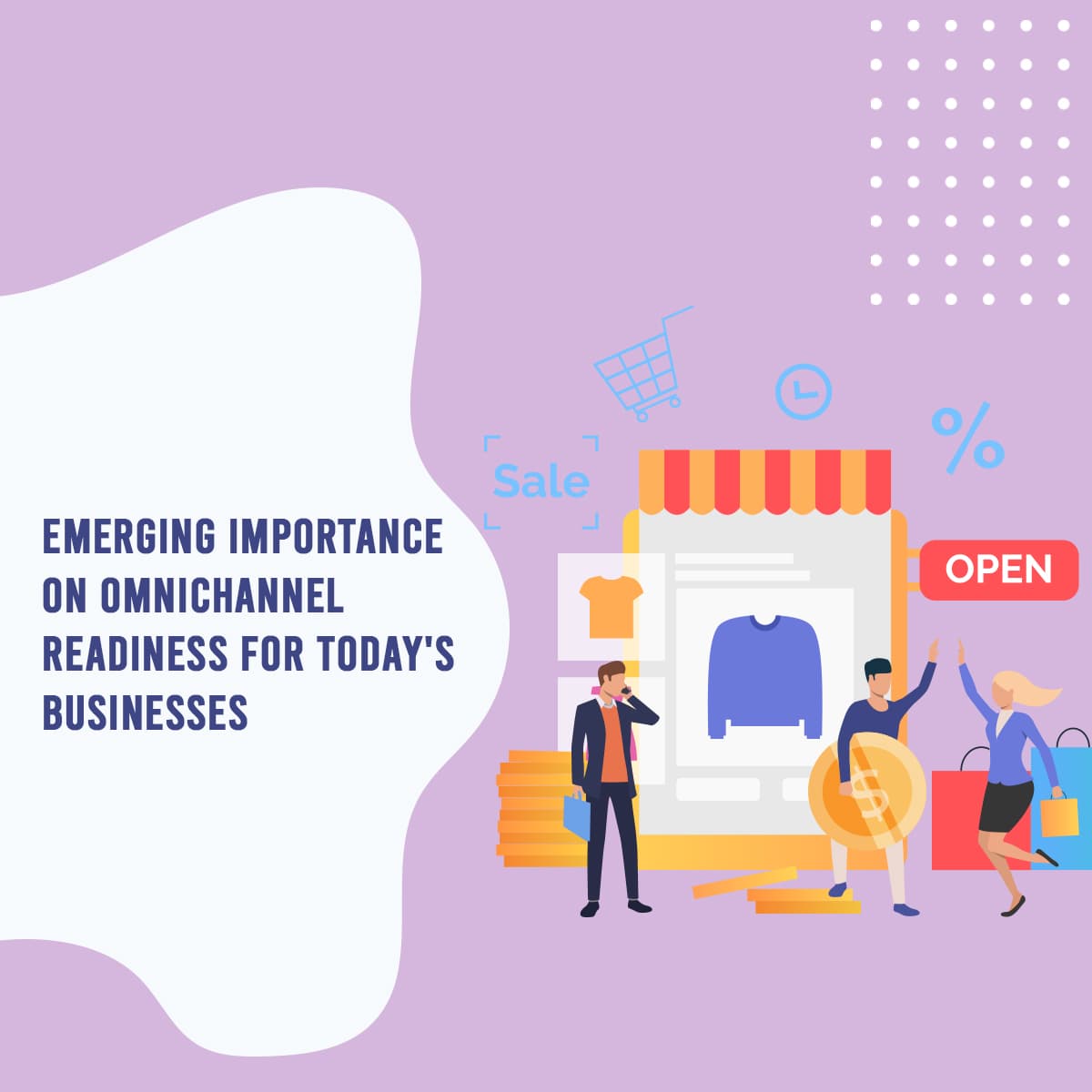
What Is Omnichannel?
Omnichannel is a connected customer experience where people can move between website, ecommerce store, social media, ads, email, SMS, WhatsApp, phone, CRM, checkout, support, and retention without losing context. The customer should not have to repeat themselves when they switch channels, and the business should still know who they are, what they asked for, and what happened next.
That is the main difference between omnichannel and simply being present on many platforms. Omnichannel is about one connected journey, not separate channel activity.
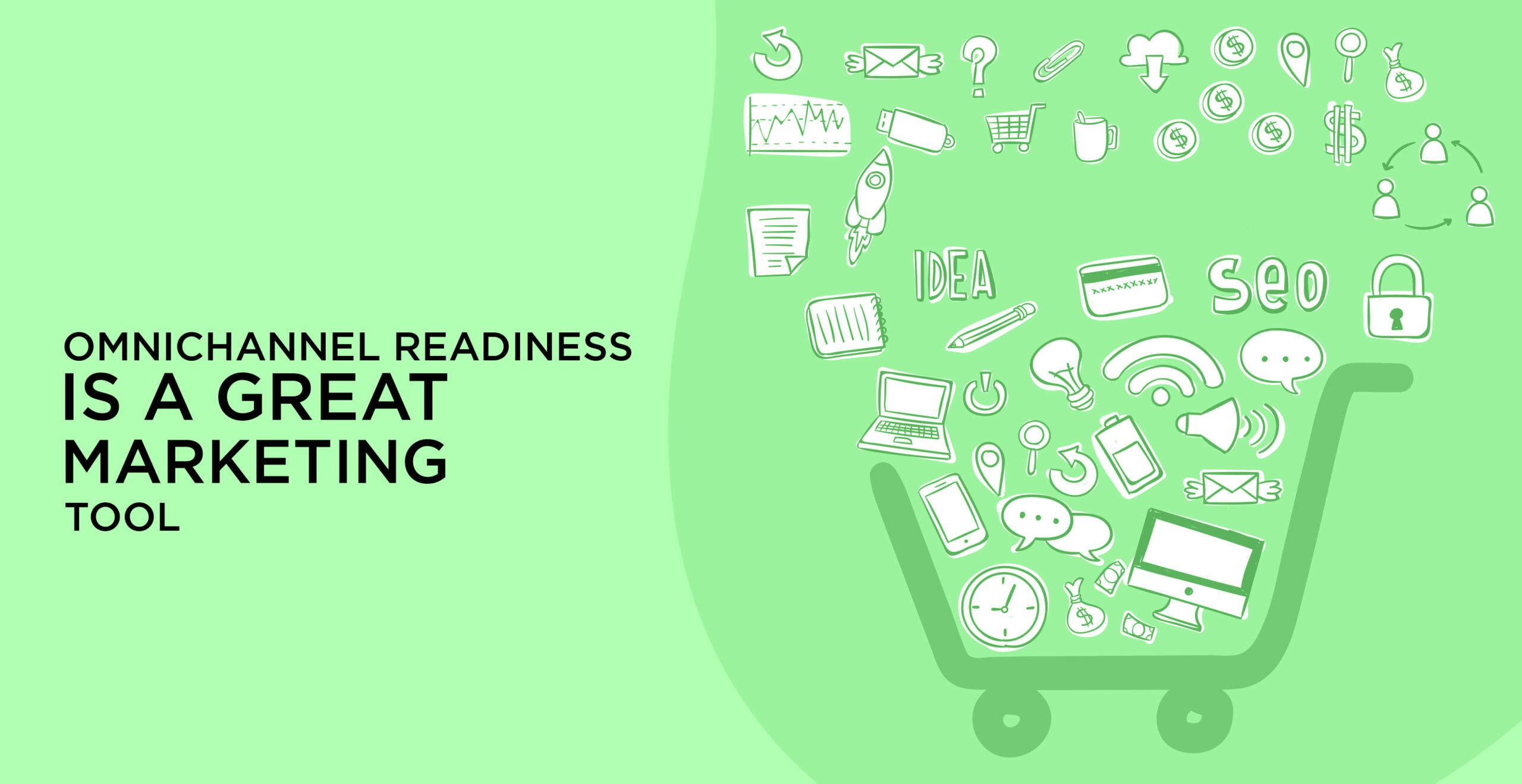
For ecommerce brands, omnichannel readiness starts with connecting product pages, checkout, cart recovery, email/SMS retention, and customer data. See our ecommerce industry page for how those systems connect in practice.
Omnichannel vs Multichannel: What Is the Difference?
Multichannel means a business uses more than one channel. Omnichannel means those channels are connected so the customer journey continues smoothly from one touchpoint to another.
| Area | Multichannel | Omnichannel |
|---|---|---|
| Channel setup | Channels exist side by side | Channels are connected around one customer record |
| Customer context | Often trapped inside each platform | Shared across CRM, ecommerce, support, and sales |
| Messaging | Can vary by channel | Stays aligned across the journey |
| Reporting | Often separated by platform | Revenue and lifecycle reporting are connected |
| Experience | Customer may repeat details | Customer can continue without starting over |
Multichannel can still work, but it usually creates friction when the customer moves from one place to another. Omnichannel removes that friction by making the systems talk to each other.
If customer records are scattered across inboxes, spreadsheets, POS tools, and ad platforms, start by reviewing the CRM page. The record layer is usually the first thing that needs to be cleaned up.
Why Omnichannel Readiness Matters
Omnichannel readiness matters because customers do not think in channel silos. They might see a Meta ad, browse your site, ask a question in chat, receive a reminder by SMS, and later call the business or check out online. If the business does not connect those steps, it loses context and often loses revenue.
Readiness also matters for internal reasons. A team cannot improve what it cannot see. If marketing is tracking clicks, sales is tracking calls, support is tracking tickets, and ecommerce is tracking orders separately, leadership ends up with partial truth instead of one clear view.
That is why omnichannel should be treated as a revenue system problem, not just a brand presence problem. If the current customer journey is breaking at the handoff points, the Automation Readiness assessment is a practical way to identify where the system is leaking.
What an Omnichannel Customer Journey Looks Like
An omnichannel journey is not a perfect straight line. It is a connected path that lets the customer move between channels without re-explaining themselves.
| Journey stage | Example | System need |
|---|---|---|
| Discover | The customer sees a social ad or search result | Consistent messaging and tracking |
| Explore | The customer visits the site or product page | Clear page content and source capture |
| Engage | The customer chats, calls, fills a form, or sends a DM | Shared customer record and fast response |
| Convert | The customer books, checks out, or requests a quote | Connected checkout or booking flow |
| Support | The customer asks for help after the purchase or inquiry | Help desk or CRM history |
| Retain | The customer receives follow-up, reminders, or reactivation | Lifecycle automation and reporting |
If your business uses forms, calendars, SMS, email, WhatsApp, and sales tasks, the business automation service is the workflow layer that keeps the journey connected.
Core Channels in an Omnichannel Strategy
The specific channels can vary, but the logic stays the same. Each channel should know what the previous one did and what the next one should do.
| Channel | Role in journey | Data to capture |
|---|---|---|
| Website | Educates, converts, and routes the customer | Source, page path, form activity, booking activity |
| Ecommerce checkout | Converts product interest into revenue | Product, cart value, checkout status, abandonment |
| Social media | Creates awareness and engagement | Campaign, audience, engagement, referral source |
| Nurtures, educates, and re-engages | Open, click, reply, segment, lifecycle stage | |
| SMS and WhatsApp | Supports reminders, follow-up, and recovery | Consent, reply status, next action |
| Phone | Handles urgent or high-intent conversations | Call source, call outcome, callback need |
| CRM | Stores the shared customer record | Owner, status, history, stage, outcome |
| Support and reporting | Tracks service quality and revenue visibility | Ticket history, customer health, revenue data |
If paid campaigns are part of the journey, connect tracking from Meta marketing and Google Ads marketing back to CRM and revenue outcomes. Otherwise the business only knows which ads got attention, not which ones produced customers.
Omnichannel for Ecommerce Brands
For ecommerce brands, omnichannel is about more than having a store and a few ads. The customer may discover a product on social, browse on mobile, abandon checkout, return through email, reply to an SMS, and later buy again after support or post-purchase follow-up. If those moments are not connected, the brand cannot see the full revenue story.
The biggest ecommerce advantage of omnichannel is lifecycle visibility. Product pages, checkout, cart recovery, reorder reminders, and post-purchase support all need to work from the same customer data. That is how teams improve retention, not just acquisition.
If your ecommerce team is trying to connect product pages, checkout, cart recovery, email/SMS retention, and customer data, the ecommerce industry page is the best place to start.
Omnichannel for Service Businesses
Service businesses need omnichannel too, even when there is no physical product. The journey may start with an ad, move to a landing page, continue through a call or form, and then shift into booking reminders, follow-up messages, and reactivation later on.
In service businesses, omnichannel often shows up as speed and consistency. A lead should get the same context whether they came from website chat, phone, email, or a referral. A client should not have to repeat the same information every time they talk to the business.
For service businesses, reminders, no-show recovery, follow-up, and reactivation work best when the messaging layer is connected to CRM stages and consent rules. If you need help wiring that flow, the contact page is the fastest way to discuss the setup.
Where CRM Fits in Omnichannel Readiness
The CRM is the shared memory of the omnichannel system. Without it, each channel becomes a separate story. With it, the business can see the customer once and serve them across every touchpoint.
The CRM should store the customer source, current stage, past interactions, consent status, ownership, next action, and revenue outcome. It should also connect to support, ecommerce, ad platforms, booking tools, and communication channels where possible.
If the CRM cannot show source, status, owner, and outcome clearly, the business is not ready for true omnichannel execution. Clean records usually matter more than more software.
Where Automation and AI Fit
Automation and AI are useful in omnichannel systems when they remove delay and preserve context. They should not create more noise.
Good uses include:
- routing form submissions to the right team
- sending instant confirmation or reminder messages
- moving customers into the right follow-up sequence
- creating tasks for sales or support
- answering common questions in chat
- recovering missed calls or abandoned sessions
An AI conversational chatbot can help answer common questions, collect intake details, and route customers across channels. For businesses trying to connect forms, calendars, SMS, email, WhatsApp, and sales tasks, our business automation service covers the workflow layer.
Automation works best when the rules are clear and the handoff to a person is obvious. If the customer needs judgment, escalation, or a custom answer, the system should not trap them in a loop.
Data, Attribution, and Reporting
Omnichannel becomes much more valuable when the data is connected. The business should know which channel created the first touch, which channel helped the conversion, and which channel helped retention or repeat purchase.
That means tracking source, campaign, customer identity, lifecycle stage, channel interactions, and final outcome in one reporting view where possible. If the system only measures clicks or impressions, it cannot prove which part of the journey actually created revenue.
If leadership cannot see where customers move from channel to revenue, Revenue Systems can help connect CRM stages, campaign activity, and reporting. That gives operators a better view of what is working and what is leaking.
Omnichannel Readiness Scorecard
| Area | Score 0-2 | What to check |
|---|---|---|
| Data hygiene | 0-2 | Are customer records shared, complete, and deduplicated? |
| Channel connection | 0-2 | Can the business move a customer between channels without losing context? |
| Messaging consistency | 0-2 | Do ads, email, SMS, support, and sales tell the same story? |
| Response speed | 0-2 | Does the customer get a useful response quickly? |
| Attribution | 0-2 | Can the team trace channel activity to revenue outcomes? |
| Lifecycle follow-up | 0-2 | Are reminders, retention, and reactivation automated correctly? |
| Reporting visibility | 0-2 | Can leadership see the journey instead of separate channel reports? |
Use this scorecard to see where the experience breaks. If the score is weak, the next move is usually not another channel. It is cleaning the shared system first.
Common Omnichannel Mistakes
- Treating omnichannel as “being everywhere.”
- Running each channel with different data and different messages.
- Letting ecommerce, support, and sales keep separate records.
- Tracking ad clicks without tracking customer outcomes.
- Over-automating without a human handoff path.
- Ignoring lifecycle follow-up after the first conversion.
- Measuring channel performance without revenue context.
These mistakes create a fragmented experience. The customer sees one brand, but the business operates like several disconnected teams.
Practical Implementation Roadmap
An omnichannel strategy does not need to start with every channel at once. It should start with the channels that already matter most and then connect them in the right order.
| Phase | Focus | Deliverable |
|---|---|---|
| Audit | Review where customers enter, where they drop off, and where context is lost | Omnichannel leak map |
| Data model | Standardize customer records, consent, ownership, and stage fields | Shared customer record structure |
| Channel sync | Connect website, ecommerce, social, email, SMS, phone, and support | Connected customer journey |
| Workflow build | Automate routing, reminders, follow-up, and escalation | Omnichannel workflow system |
| Reporting | Tie channel activity to revenue and retention | Cross-channel reporting dashboard |
| Optimization | Improve the weakest handoff points and lifecycle stages | Ongoing readiness improvements |
Use the Automation Readiness assessment to identify where your current customer journey is breaking before you add more tools or channels.
How Technovier Thinks About Omnichannel Systems
Technovier does not treat omnichannel as just “being everywhere.” Technovier builds connected revenue systems where customer touchpoints, CRM records, automation, AI agents, checkout, follow-up, attribution, reporting, and retention workflows work together.
That approach matters because customers do not care which internal department owns the next step. They care that the journey feels consistent. A lead should not disappear between ad click and booking. A buyer should not get a different answer from each channel. A customer should not have to repeat the same details five times.
For Technovier, omnichannel readiness means the business can capture the customer once, recognize them again, and continue the relationship without friction.
FAQ
What is omnichannel in simple terms?
Omnichannel means every customer touchpoint is connected. A person can move between channels without losing context, and the business can see the journey as one experience instead of separate events.
What is the difference between omnichannel and multichannel?
Multichannel means the business uses several channels. Omnichannel means those channels are connected so the customer journey stays consistent across them.
Why is omnichannel important?
It is important because customers rarely stay in one channel. If the business cannot connect the journey, it loses context, follow-up quality, and revenue visibility.
What is an example of an omnichannel experience?
A customer sees an ad, visits the website, chats with the business, gets a follow-up SMS, books a call, and later receives support or retention messages without needing to repeat their details.
How does CRM support omnichannel?
CRM stores the shared customer record. It keeps source, stage, ownership, interaction history, and outcome in one place so every channel can work from the same context.
How does automation support omnichannel?
Automation moves the customer through the journey faster and more consistently. It can route leads, send reminders, trigger follow-up, and create tasks without losing the shared record.
Is omnichannel only for ecommerce?
No. Ecommerce brands benefit from it, but service businesses need it too. Any business that uses multiple touchpoints can improve the journey by connecting its channels.
How do you measure omnichannel readiness?
Measure data quality, channel connection, response speed, messaging consistency, attribution, lifecycle follow-up, and reporting visibility. If these are weak, the system is not fully ready.
Next Step
If your current customer journey feels fragmented, start by mapping where the context gets lost. Check whether the CRM is shared, whether support and sales see the same history, and whether follow-up works after the first conversion. Then fix the weakest handoff before adding another channel.