At a glance
What we built
A desktop workflow for recording audio, processing it locally and producing timestamped transcripts and structured output files, with optional language-conversion steps.
| Product | Voice Transcript Agent |
|---|---|
| Interfaces shown | Desktop / web |
| Technology | Electron · React · Swift · Python · Whisper |
| Core work | Microphone, system and mixed audio paths · Local Whisper transcription pipeline · TXT, SRT and JSON output workflow |
Product flow
How it works
Microphone, system and mixed audio paths
Local Whisper transcription pipeline
TXT, SRT and JSON output workflow
The interface
Inside the product
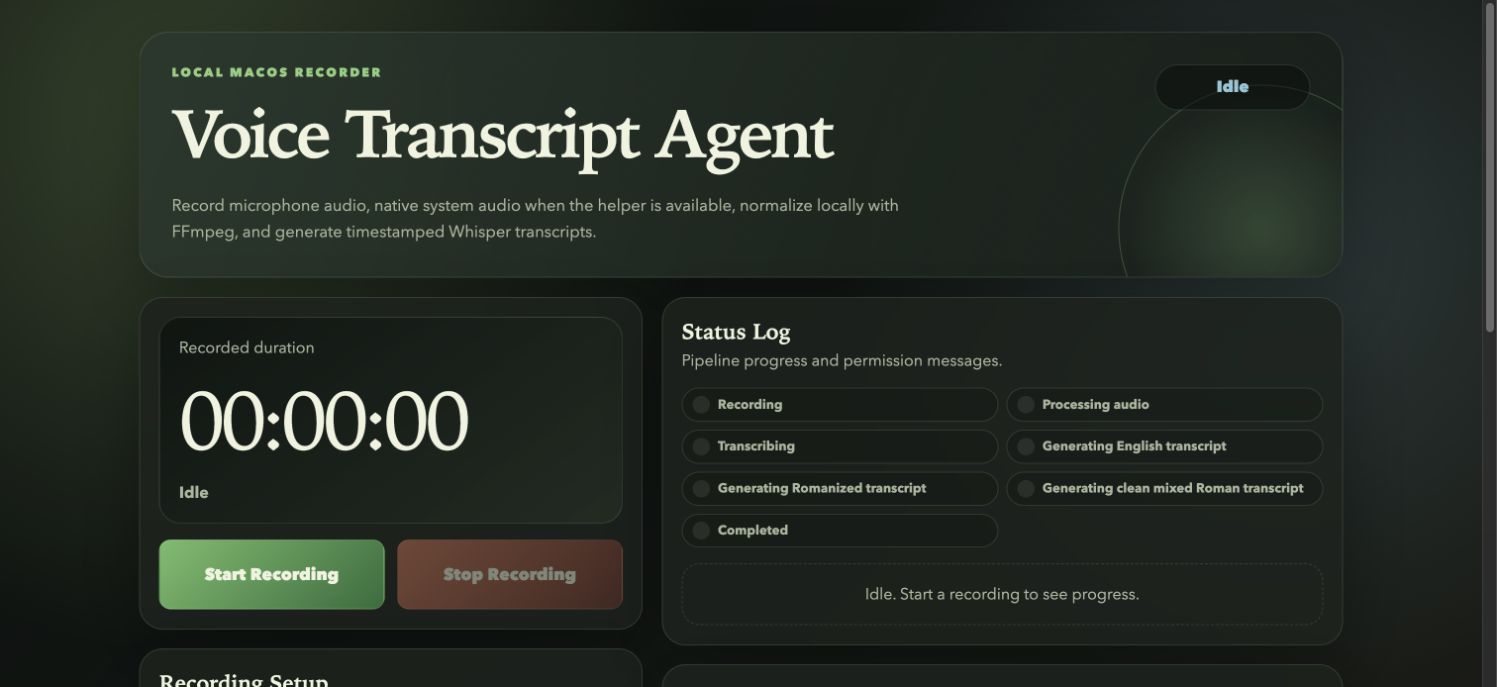
Desktop interface · 01
Microphone, system and mixed audio paths
Design notes
Decisions behind the experience
The recording task
One desktop place for the audio and the words
- Microphone and system-audio capture
- Recording folders with session metadata
Read the context
A meeting, interview or spoken note becomes useful when its recording and transcript can be found together. The desktop app starts with a choice of microphone, system audio or both, then keeps the recording session visible through capture and transcription.
The mixed mode matters for calls: the microphone and computer output are recorded as separate inputs before they are combined. A single recording folder holds the original audio, metadata and every resulting text format.
From sound to transcript
Process speech locally and preserve timing
- Local Whisper processing
- Timestamped transcript segments
Read the context
The application normalises the audio and passes it to a local Whisper worker. Each transcript segment retains timestamps, so a reader can move between the written words and the moment they were spoken.
Language detection is part of the transcription pass. The base workflow produces the original transcript without requiring a remote text service; optional English and Romanized variants are separate conversion steps.
Working with the result
Make the output useful beyond the app
- TXT, SRT and JSON exports
- Recent-session access
Read the context
A recording can leave the desktop as plain text, subtitles or structured JSON. These are different uses of the same session: text for reading and editing, SRT for timed playback, and JSON for software that needs segment data.
Recent recordings and their files remain accessible from the app. That keeps correction and reuse close to the original instead of scattering exports across unrelated folders.
Engineering
Join native capture to a familiar interface
- Electron and React
- Swift, FFmpeg, Python and Whisper
Read the context
Electron and React provide the desktop workspace. A Swift ScreenCaptureKit helper handles macOS system audio; FFmpeg prepares the audio; Python runs the local transcription worker. The application coordinates those stages and records errors in the session metadata.
This separation makes the interface simple without hiding the work. Capture, processing and export each have a distinct state, while the files remain available for a later review.
Design and development
What powers it
Platform and technology
Electron · React · Swift · Python · Whisper
Core capabilities
- Microphone, system and mixed audio paths
- Local Whisper transcription pipeline
- TXT, SRT and JSON output workflow
Questions about the product
Questions about this product
What does this product help people do?
Capture audio, transcribe it locally and turn the recording into a usable record.
Which screens can I explore?
Microphone, system and mixed audio paths.
What capabilities are covered?
Microphone, system and mixed audio paths, Local Whisper transcription pipeline, TXT, SRT and JSON output workflow.
AI & Workflow projects
More work to explore
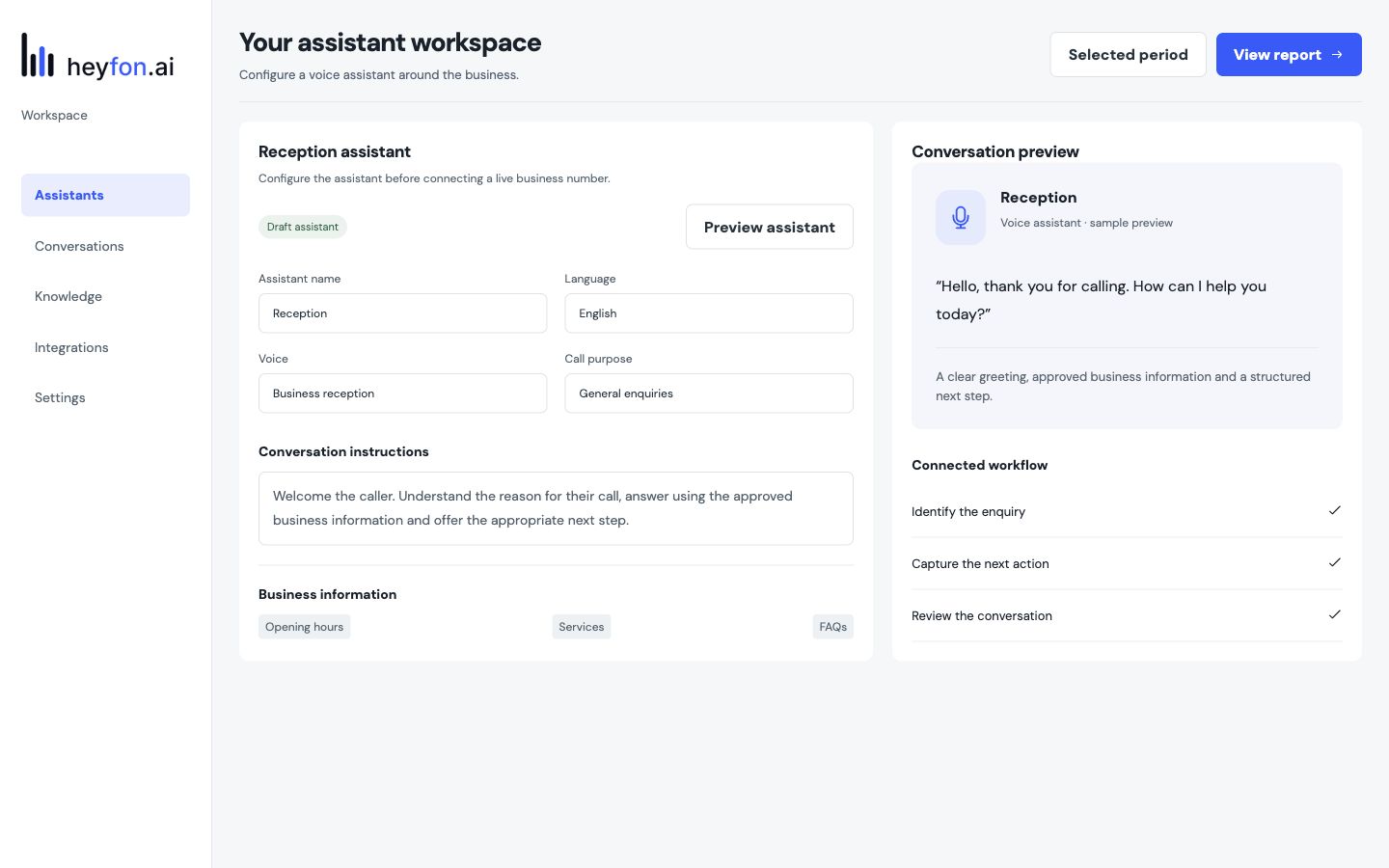
AI receptionist and business calls
From research to a ready conversation
Research, review and approvals in one place
Outreach operations console
Keep every project moving
Tasks, conversations and milestones together