At a glance
What we built
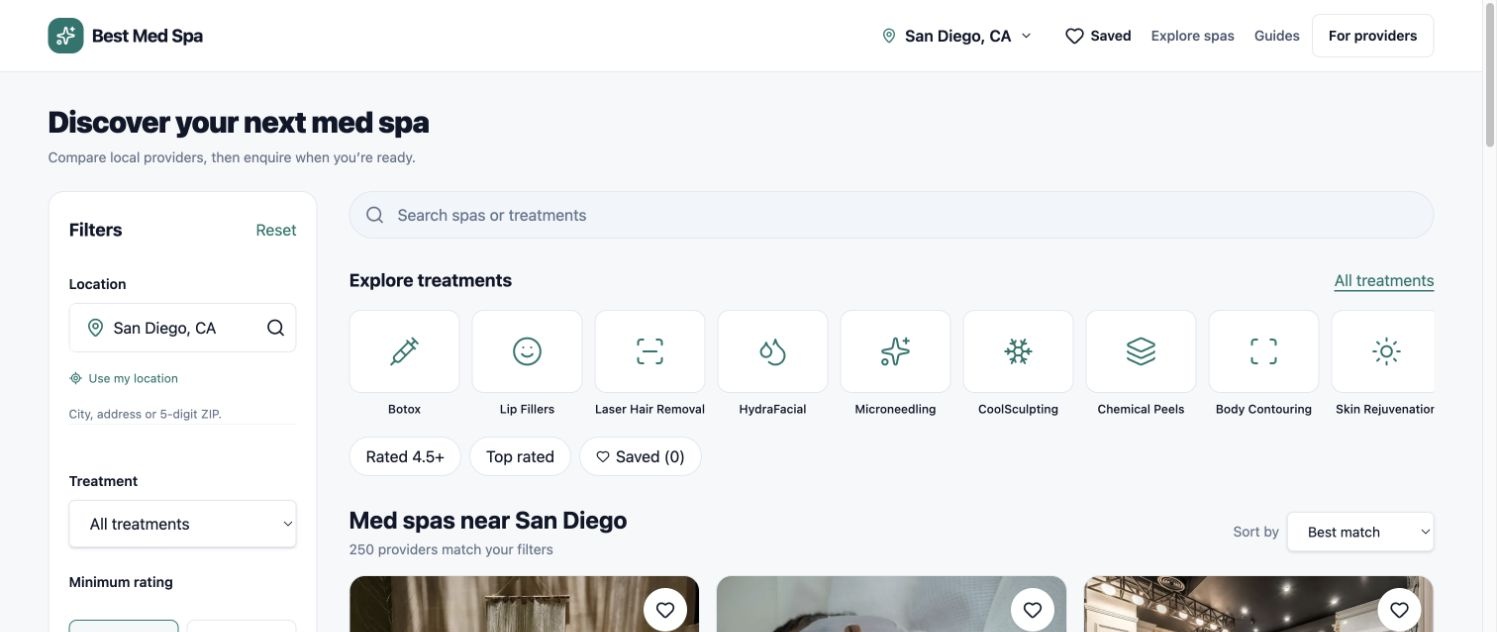
A separate owner workspace for clinic claims, verification status, profile information and membership review, with controlled staff review of ownership and listing changes.
| Product | Best Med Spa for Business |
|---|---|
| Interfaces shown | Desktop / web |
| Technology | Owner portal · Verification · CRM operations |
| Core work | Clinic claims and verification status · Owner-specific profile management · Membership and review workflow |
Product flow
How it works
Clinic claims and verification status
Owner-specific profile management
Membership and review workflow
The interface
Inside the product
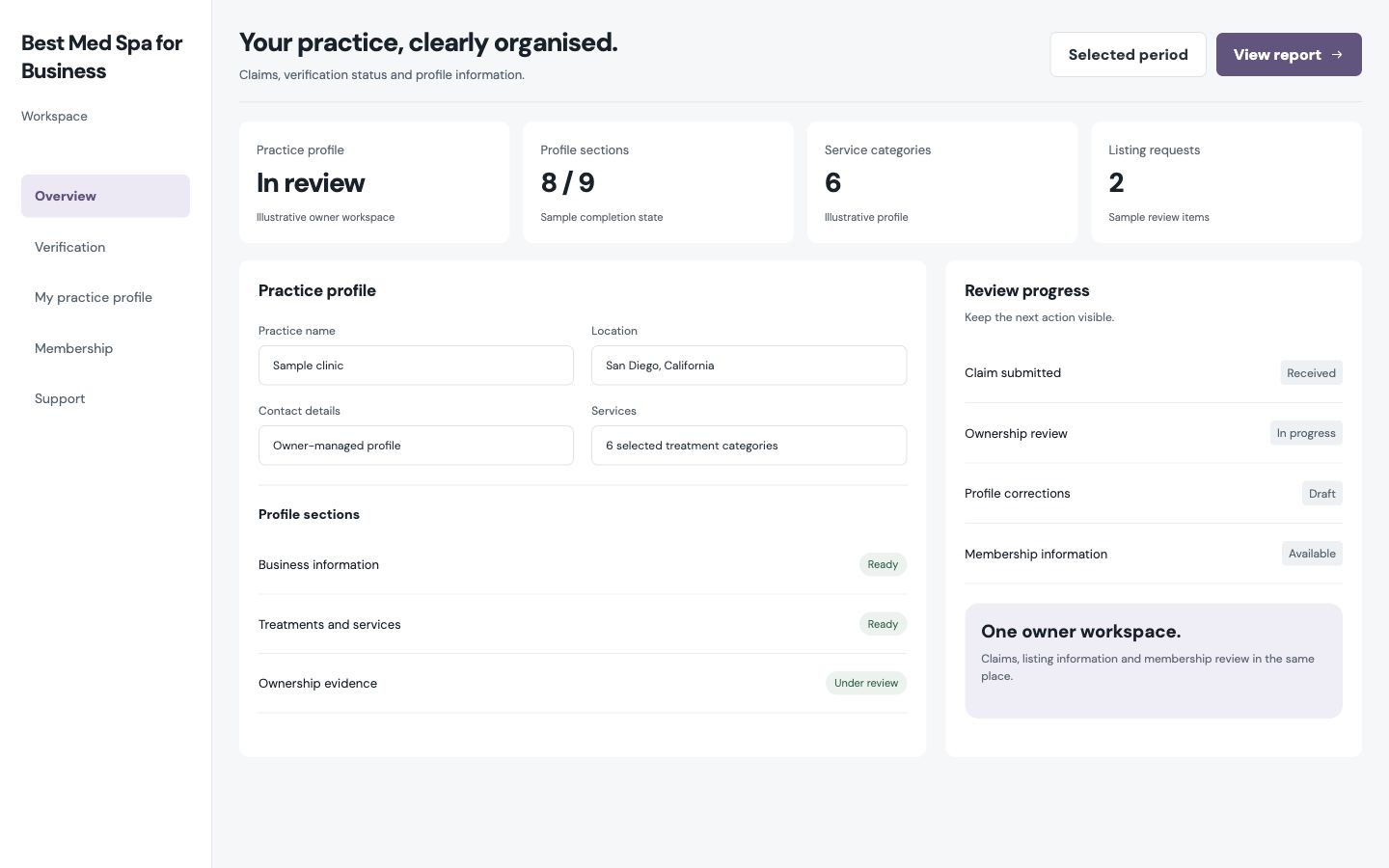
Desktop interface · 01
Clinic claims and verification status
Design notes
Decisions behind the experience
The owner journey
Give a provider a clear route into its own listing
- Clinic claim request
- Owner-specific listing access
Read the context
An owner begins by finding the clinic and requesting a claim. The claim captures the relationship to the business and enters a review queue instead of granting editing access immediately.
Once verified, the owner can work with the information relevant to that listing. This separates the public directory from the private task of keeping a provider profile current.
Verification operations
Make ownership a recorded decision
- Claim review states
- Recorded approval and rejection
Read the context
Staff review claims and record an approval or rejection. The decision is saved in the application's own data before the CRM is updated, so a CRM delay cannot turn a completed review into an ambiguous state.
The provider portal shows the verification status back to the account holder. That feedback makes the claim process understandable without exposing internal administrative controls.
Profile management
Give owners the right edits and keep review visible
- Scoped profile editing
- Membership and review workflow
Read the context
After access is established, owners can maintain their provider details through a dedicated portal. Membership, review and verification actions remain separate, because each has a different effect on the public profile.
The staff side can examine what was submitted and what changed. This keeps the directory useful for visitors while allowing genuine providers to improve the information people use to choose them.
System design
Connect owner records and CRM context
- Next.js portal
- SQL records and CRM synchronization
Read the context
The Next.js owner and administration routes use claim and provider records in SQL. CRM updates reflect verified decisions and relationship activity; they do not serve as the only record of what happened.
That boundary gives the product a dependable owner journey and gives operators a visible trail for resolving corrections.
Design and development
What powers it
Platform and technology
Owner portal · Verification · CRM operations
Core capabilities
- Clinic claims and verification status
- Owner-specific profile management
- Membership and review workflow
Questions about the product
Questions about this product
What does this product help people do?
Give providers a clear path to claim a listing and keep its information current.
Which screens can I explore?
Clinic claims and verification status.
What capabilities are covered?
Clinic claims and verification status, Owner-specific profile management, Membership and review workflow.
Commerce & Platforms projects