What Happens When Your Coworkers Are AI Agents?
Automation and AI have been reshaping business operations for years, but what happens when AI agents become more than just tools and start acting as teammates? Some startups are already experimenting with AI agents that perform tasks usually handled by human employees – from research and drafting to customer support and lead routing. The idea is appealing: reduce costs, speed up workflows, and scale capabilities without the usual overhead.
However, the reality is messier and more complex than the promise. AI agents do not think like humans, and their “work” is fundamentally different. They can handle repetitive or narrowly defined tasks efficiently, but they struggle with ambiguity, context switching, and the nuanced judgment calls humans take for granted. This mismatch often shows up in surprising – and sometimes costly – ways.
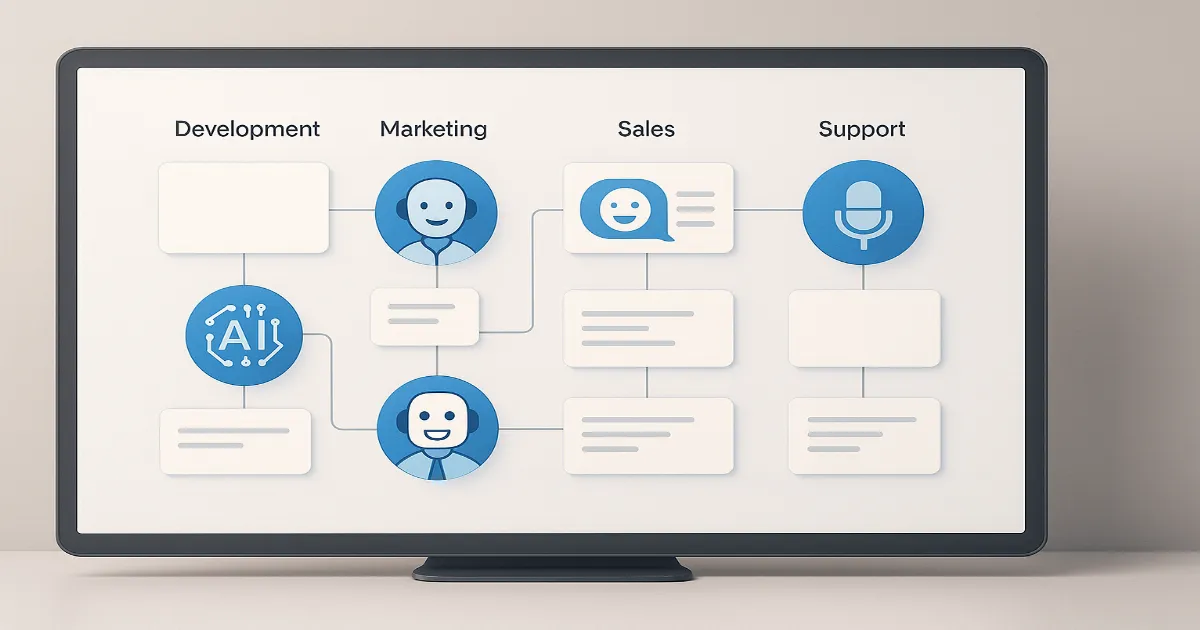 Hybrid teams work best when AI agents are treated as specialized tools, not human replacements.
From Tools to Teammates: What Actually Changes?
At the core, the value of AI agents depends on clarity of purpose and boundaries. Defining what an AI agent is responsible for – and just as importantly, what it isn’t – is crucial. If you treat AI agents as full-fledged employees without recognizing their limitations, you’ll run into trouble.
Success comes from seeing AI agents as specialized tools with autonomy in narrow areas, not as replacements for human judgment or creativity. For example, an AI agent tasked with drafting customer emails can save time but still needs human review and intervention. Expecting it to handle complex customer disputes, negotiate pricing, or adapt messaging based on subtle emotional cues sets it up to fail.
This is where a strong AI development strategy matters. You’re not “hiring a robot employee”; you’re designing and deploying narrow systems that are excellent at a few well-scoped jobs.
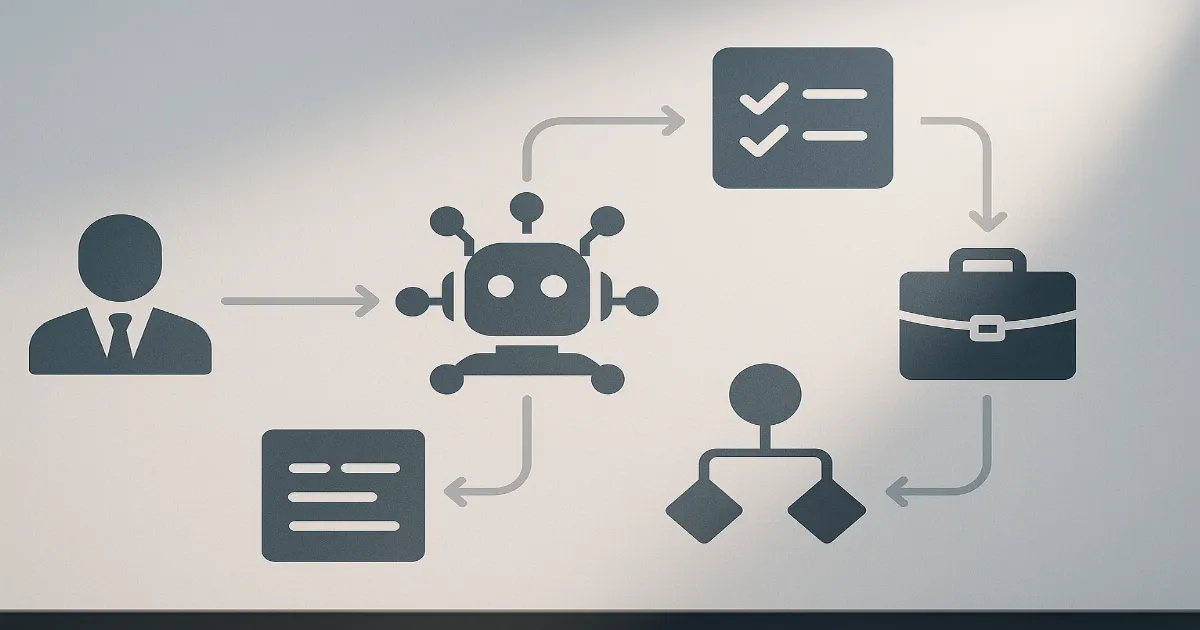 Clear swimlanes between humans and AI agents reduce confusion, rework, and risk.
Where AI Agents Shine vs. Where Humans Still Win
AI agents are powerful, but only when pointed at the right type of work. A simple way to think about the division of labor:
| Work Category | Best for AI Agents | Best for Humans | Shared / Hybrid |
|---|---|---|---|
| Repetitive operations | Pulling data, generating first-draft reports, tagging tickets | Designing the playbooks and exception rules | Humans define rules; agents execute them at scale |
| Customer conversations | Answering FAQs, routing tickets, basic qualification | Handling escalations, negotiations, sensitive issues | Agent triages; human closes important conversations |
| Creative & strategy | Idea expansion, variations, summarization | Positioning, messaging, strategic direction | Agent drafts; human decides what actually ships |
| Operations & automation | Executing workflows, triggering follow-ups, logging data | Defining processes, policies, and governance | Agents run the playbook inside a business automation stack |
Notice the pattern: AI agents excel when the workflow is clearly defined, and they struggle when the environment is fuzzy, political, or emotionally complex.
Common Failure Modes When AI Agents Join the Team
Several failure modes commonly emerge when AI agents are introduced without the right guardrails or understanding:
- Fuzzy ownership: No one is sure whether a task belongs to a human or the agent, so both assume “the other side” did it.
- Over-trust in autonomy: Leaders quietly assume the agent is “smart enough” to figure edge cases out – it isn’t.
- No feedback loop: The agent’s mistakes never get reviewed, so it keeps repeating the same errors at scale.
- Context collapse: Agents are thrown into workflows that require knowledge they were never given or trained on.
- Metrics without meaning: Dashboards show high “throughput,” but customers are unhappy and teams are cleaning up behind the scenes.
We see this often when companies bolt AI agents onto an existing stack without revisiting the underlying workflows or integrating them into a cohesive generative AI use case strategy.
Operational Pitfalls to Avoid
Avoid these mistakes to prevent AI agents from becoming liabilities instead of assets:
- Letting agents improvise policy: They should never invent discounts, promises, or exceptions.
- Skipping pilots: Rolling agents out to 100% of traffic without a test group or control is asking for trouble.
- Ignoring edge cases: If 5% of cases cause 80% of the pain, those should be routed to humans by design.
- Under-communicating with your team: People need to know what the agent will do and how it affects their role.
- Chasing “full autonomy” too early: The goal is reliable co-pilots first, not instant replacement.
If you want a reality check on what “good” looks like, study hybrid human–AI workflows in the wild. For example, in our sports CRM automation case study, automation and AI enhanced the team instead of replacing it – that’s the pattern you want to replicate.
Designing Roles for AI Agents: Job Descriptions for Bots
To harness AI agents effectively, start by treating them like roles you’d actually hire for. That means writing a clear “job description” for each agent:
- Mission: What outcome is this agent responsible for? (e.g., “Qualify inbound leads to an agreed playbook.”)
- Inputs: What data, tools, and context does it receive? (CRM fields, knowledge base, product docs, etc.)
- Actions: What can it do in your systems? (Send emails, tag contacts, create tasks, move pipeline stages.)
- Boundaries: What can it never do? (Issue refunds, override legal terms, approve discounts above a limit.)
- Escalations: When must it hand off to a human, and how should that hand-off be documented?
When we implement this inside a client’s business automation stack, each agent becomes a named part of the operating system – with logs, KPIs, and owners – not a mysterious black box running in the background.
Building Feedback Loops and “Agent Training” Rituals
AI agents learn and operate based on the data and rules they’re given. Garbage in, garbage out applies as much here as anywhere else. Founders and operators must invest in continuous monitoring, prompt iteration, and structured improvement rituals:
- Weekly review blocks: Sample 20–30 conversations or tasks handled by the agent and score them.
- Tagged failure reasons: Use consistent labels (e.g., “wrong tone,” “policy violation,” “missing context”) so you can spot patterns.
- Prompt change logs: Treat prompts like code – document changes and measure impact.
- Closed-loop learning: Feed corrections back into your AI development workflow instead of fixing issues manually and moving on.
A simple bar chart comparing “agent-handled tasks,” “human-handled tasks,” and “escalations” month over month is often enough to spot whether your AI coworker is actually helping or quietly creating more work.
A Practical Rollout Plan for AI Coworkers
If you’re serious about AI agents as coworkers, here’s a pragmatic rollout sequence:
- Map one end-to-end workflow: For example, inbound lead → qualification → booking → follow-up.
- Identify narrow, high-volume steps: Things like first-response emails, FAQ replies, or data enrichment.
- Design an agent around those steps: Use existing generative AI use cases as patterns instead of starting from scratch.
- Launch a contained pilot: Maybe 10–20% of traffic or just one region or segment.
- Instrument everything: Track speed, resolution rates, CSAT, and escalation percentage.
- Iterate prompts and policies: Run weekly “agent retro” sessions just like you do for your team.
- Scale only what’s working: Once you consistently see uplift, expand reach or give the agent more responsibilities.
For teams that don’t want to design this from scratch, structured programs like an AI agent deployment package can reduce risk and time-to-value by reusing proven patterns.
Leadership, Culture, and Governance in Hybrid Teams
Introducing AI agents isn’t just a technical shift; it changes how leadership manages teams and culture. Leaders must be comfortable overseeing hybrid teams of humans and machines, recognizing the strengths and weaknesses of each.
- Communicate clearly: Explain what the agent does, why it exists, and how it supports – not replaces – your people.
- Update KPIs: Adjust performance metrics so humans are rewarded for high-leverage work, not just volume.
- Set governance rules: Define who approves new prompts, reviews logs, and owns AI-related incidents.
- Invest in enablement: Train managers and frontline teams on how to work with AI teammates instead of working around them.
Done well, AI agents stop feeling like a threat and start behaving like a reliable layer in your operating system – invisible when they’re working, and instantly diagnosable when they’re not.
So, Should Your Next Hire Be an AI Agent?
The better question is: Which parts of your work are ready for an AI coworker, and which still need deeply human judgment? Treat AI agents as specialized, tightly scoped teammates inside a well-designed system – not magic employees – and you’ll unlock real leverage instead of chaos.
If you’re exploring where to start, look at the workflows you already automate today and ask: “What would it take to give this system a bit more context, memory, and initiative?” That’s where AI agents can quietly become some of the most productive “coworkers” on your team.