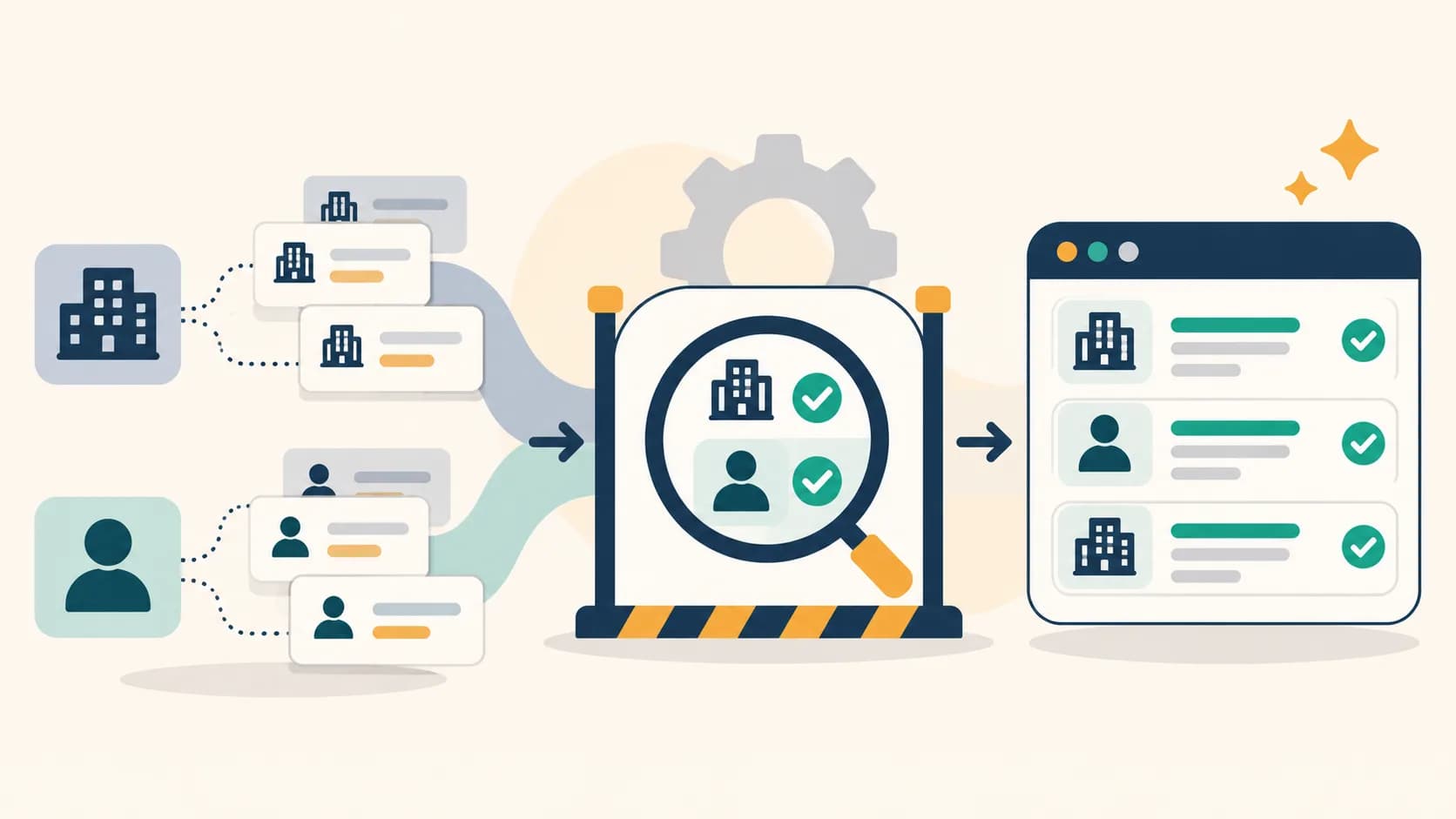
A contact-enrichment job can finish successfully and still leave a sales team with no new person it can confidently reach. The tool may have found candidate emails or phone numbers, but those candidates might belong to a company switchboard, another business with a similar name, or a record already in the CRM. B2B contact enrichment data quality is about what survives those checks and becomes usable for a defined purpose.
A bounded internal review reinforced this distinction for us. Some apparent contact points needed to be held because the company identity or the visible contact detail conflicted with another source. Other valid company channels could not be treated as personal mailboxes or direct dials. These observations are directional; they are not a public performance benchmark, and no private contact records are included here.
The practical question is not “Did the job complete?” It is “What did we verify, save, and make eligible for a specific workflow?”
Five states that should not share one count
Use separate counts at each step. The table describes a reporting model, not a claim that any platform automatically performs all five checks.
| State | What it means | What it does not prove |
|---|---|---|
| Completed job | The tool finished its assigned run. | That it found a new contact point. |
| Extracted candidate | A page, provider, or model surfaced a possible email or phone number. | That the detail belongs to the intended company or person. |
| Validated evidence | A reviewer can identify the source, company match, and channel type. | That the detail has been saved to the correct CRM record. |
| Saved record | The CRM or approved store has the reviewed detail and its provenance. | That the person may be contacted for every campaign. |
| Campaign-eligible contact | The record passes the rules for a named channel, audience, and purpose. | That a message will be delivered, read, or answered. |
The last state is a decision made by the organization under its own permissions, suppression, and campaign rules. A saved company phone number may be useful for account research while remaining ineligible for a person-level call sequence. Eligibility should be re-evaluated when the purpose or evidence changes.
Check the identity before the channel
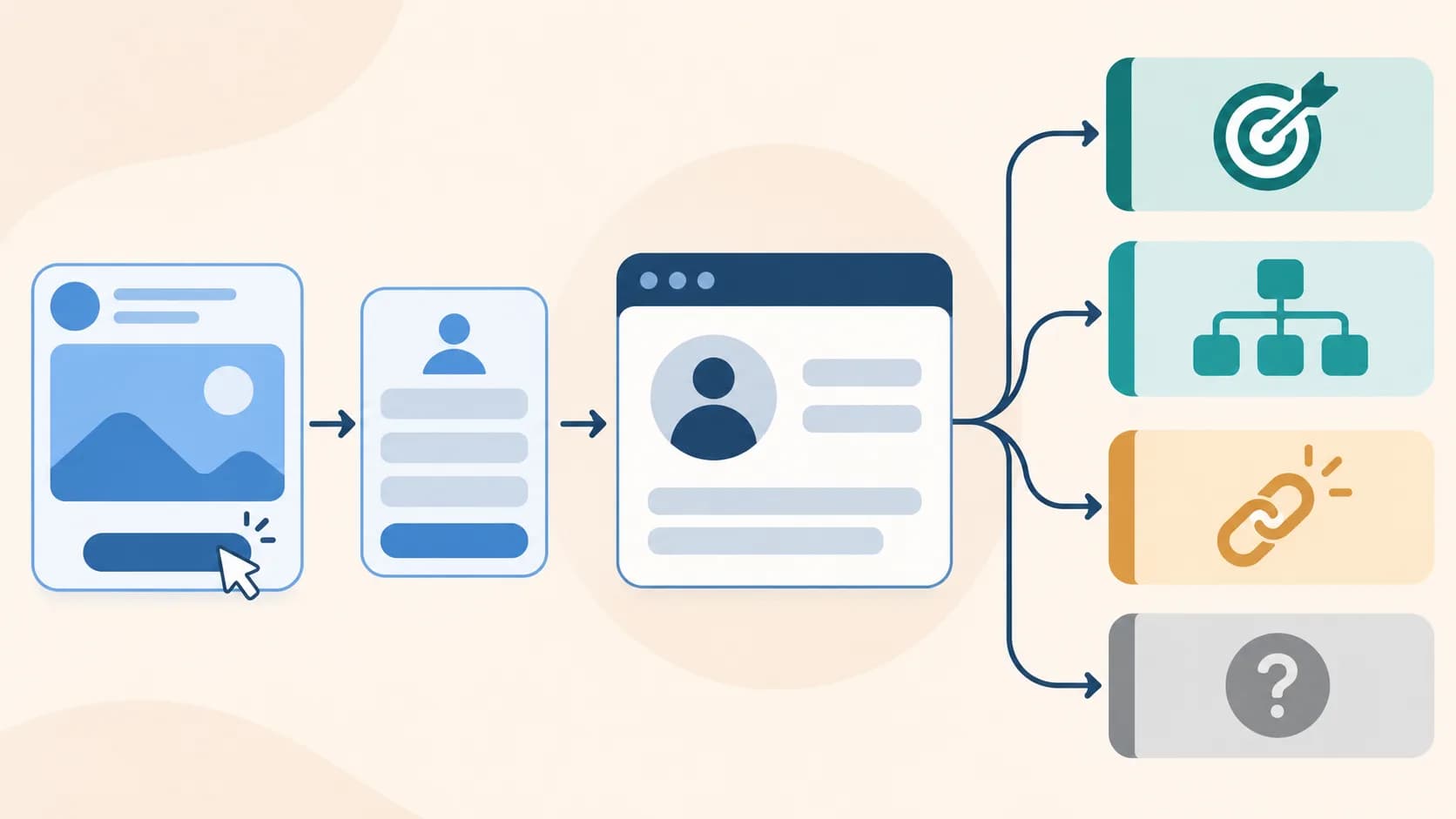
A plausible-looking domain does not by itself prove that a phone number or mailbox belongs to the company you intended to research. First confirm the company identity: official website, location, relevant page, and any known alias or domain change. Then inspect where the contact detail appears and whether the displayed value agrees with the underlying link or other first-party evidence.
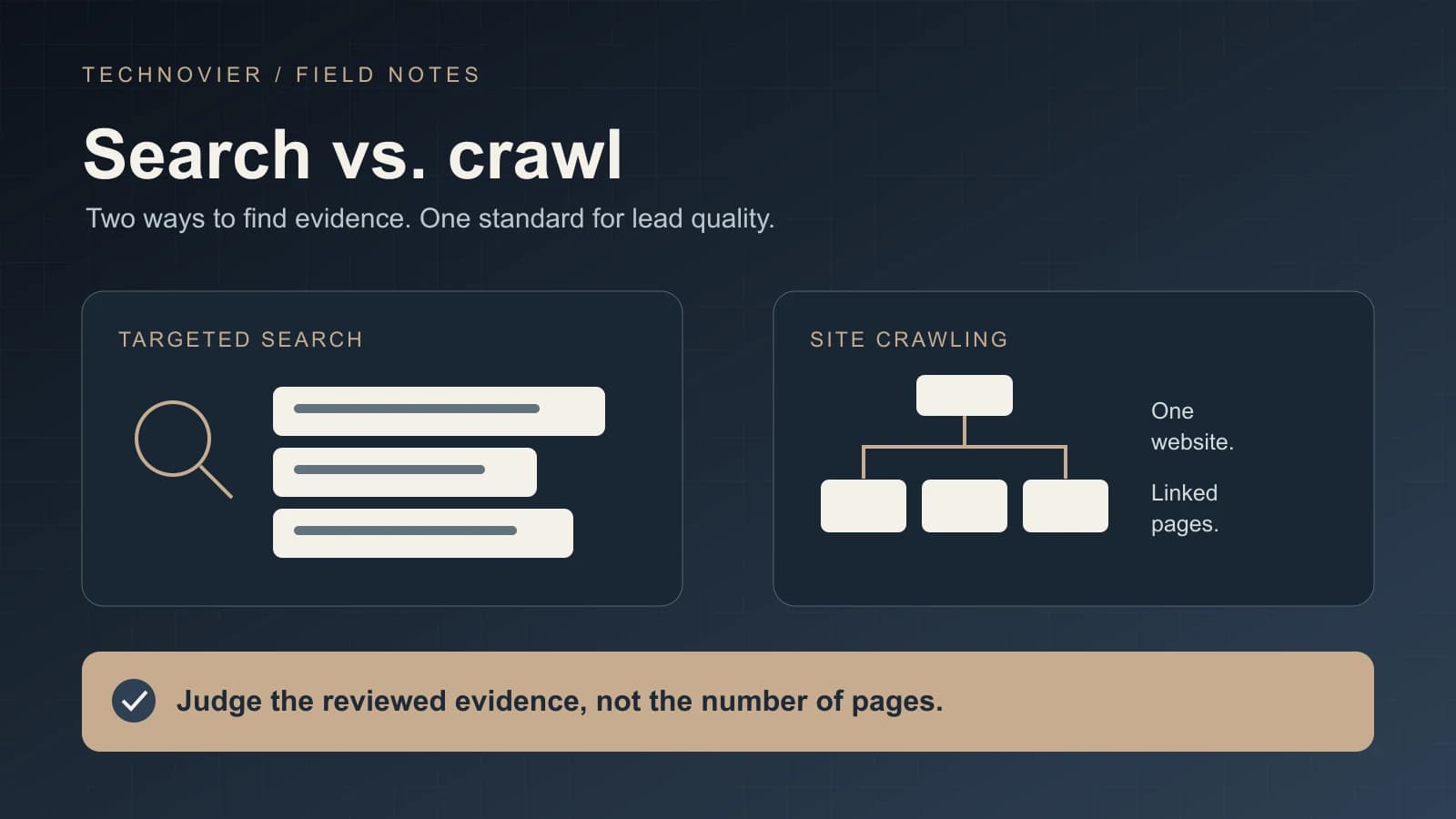
If two sources conflict, keep the candidate unresolved. A reviewer should be able to see both pieces of evidence and the reason the record was held. Do not silently choose the more convenient value. Our earlier AI lead research comparison found the same general lesson at the discovery stage: collected pages matter only when they support a reviewed decision.
Record provenance with the detail itself: source URL, observation date, company identity, channel classification, and validation result. That makes later correction possible without pretending that a field was always certain. It also helps distinguish a newly found point from one already present in the CRM.
Company channels are not personal channels
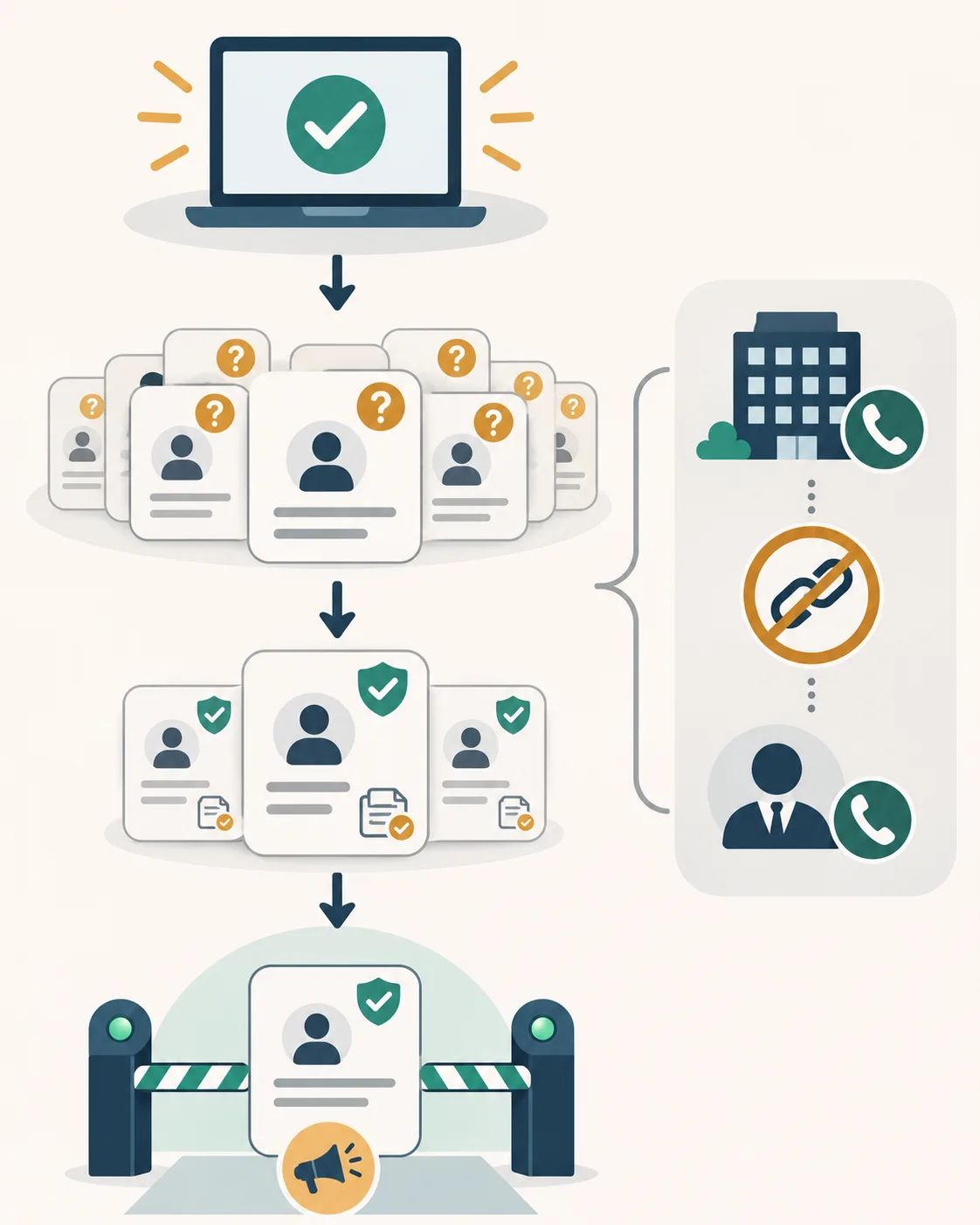
A published info@ address can be a legitimate company mailbox. A number on a contact page can be a legitimate company switchboard. Neither establishes that the mailbox belongs to a named employee or that the phone reaches that person's desk. Keep these types distinct in the saved record and in any report.
A personal mailbox or direct dial needs stronger evidence tying the channel to the named person. A name that appears elsewhere on the same site is not enough by itself. If the source supports only a company-level channel, save it as company-level and leave person-level fields unresolved. This prevents a useful account detail from being promoted into a false personal contact.
A syntactically plausible email also does not guarantee delivery. The SMTP standard allows for delivery failure after a receiving server has accepted a message. Google's email sender guidance sets requirements and practices for messages to Gmail accounts; meeting them is a sending condition, not proof that a particular recipient exists or wants a message. Keep technical checks, identity evidence, and permission decisions separate.
A read-only acceptance checklist
Before adding a candidate to an active workflow, inspect a bounded sample without changing the CRM records. For each candidate, answer these questions:
- Is it the right company? Match the source to the intended organization, not just a similar name or a redirect to another domain.
- What exactly is the channel? Label company mailbox, switchboard, named-person mailbox, direct dial, or unknown. Do not upgrade one type by inference.
- Where is the evidence? Keep the first-party page or other verifiable source, the observation date, and any conflict that remains open.
- Is it new and saved? Compare with existing CRM records, avoid duplicates, and verify that the reviewed value and its classification were actually retained.
- Is it eligible for this purpose? Apply the campaign's audience, consent or lawful-use, suppression, and channel rules. Availability alone is not permission to send.
- Can someone audit the decision? Preserve the reviewer or rule version, outcome, and reason for holding or rejecting the candidate.
Count saved, reviewed company channels separately from saved, reviewed personal channels. If a campaign requires a named person's verified mailbox, the former does not satisfy that requirement. For a wider view of how this handoff affects lead-to-revenue systems, see also our guide to lead scoring for service businesses: missing or weak source evidence should not become a confident score.
Report the denominator, not just the headline
A useful coverage statement names the cohort and each transition. For example: eligible input records during a stated period; candidates found; candidates with reviewed evidence; unique saved records; and records eligible for a specific campaign. Show the numerator and denominator for any percentage, and state the exclusion rules for duplicates and unresolved cases.
Do not mix company channels with person-level contacts in the same “direct contact coverage” metric. Do not describe a completed run as a successful enrichment outcome merely because it returned a large candidate list. And do not infer response, conversion, or deliverability from validation status. Those outcomes require separate sending and engagement evidence.
This reporting distinction also protects the work that happens after enrichment. A lead generation team can decide which records need more research, which company channels are useful for account context, and which person-level records have enough evidence for the intended next step. The unresolved group remains visible instead of disappearing into a success count.
FAQ
Does a completed enrichment job mean the CRM has a usable contact?
No. Completion says the run ended. Check whether it produced a candidate, whether the candidate was validated, whether the reviewed detail was saved, and whether that record meets the rules for the intended workflow.
Can a company switchboard count as a direct dial?
No. A switchboard is a company channel. It can be useful, but it does not prove that a named employee can be reached directly. Label and report it separately.
Is a valid-looking email enough to mark a contact campaign-ready?
No. Syntax and domain checks are only part of the review. Confirm ownership and identity evidence, the saved CRM state, and the permissions and suppression rules for that campaign. Even a technically accepted message may later fail delivery.
What should happen when sources disagree?
Hold the candidate as unresolved, retain the conflicting evidence, and request further review. A convenient guess should not overwrite an existing verified value or create a new person-level claim.
Which number should a data-quality dashboard show?
Show several numbers with clear denominators: completed jobs, extracted candidates, reviewed candidates, unique saved records, and contacts eligible for a named campaign. Break out company-level and person-level channels. That makes the next investigation visible without presenting activity as a usable-contact result.