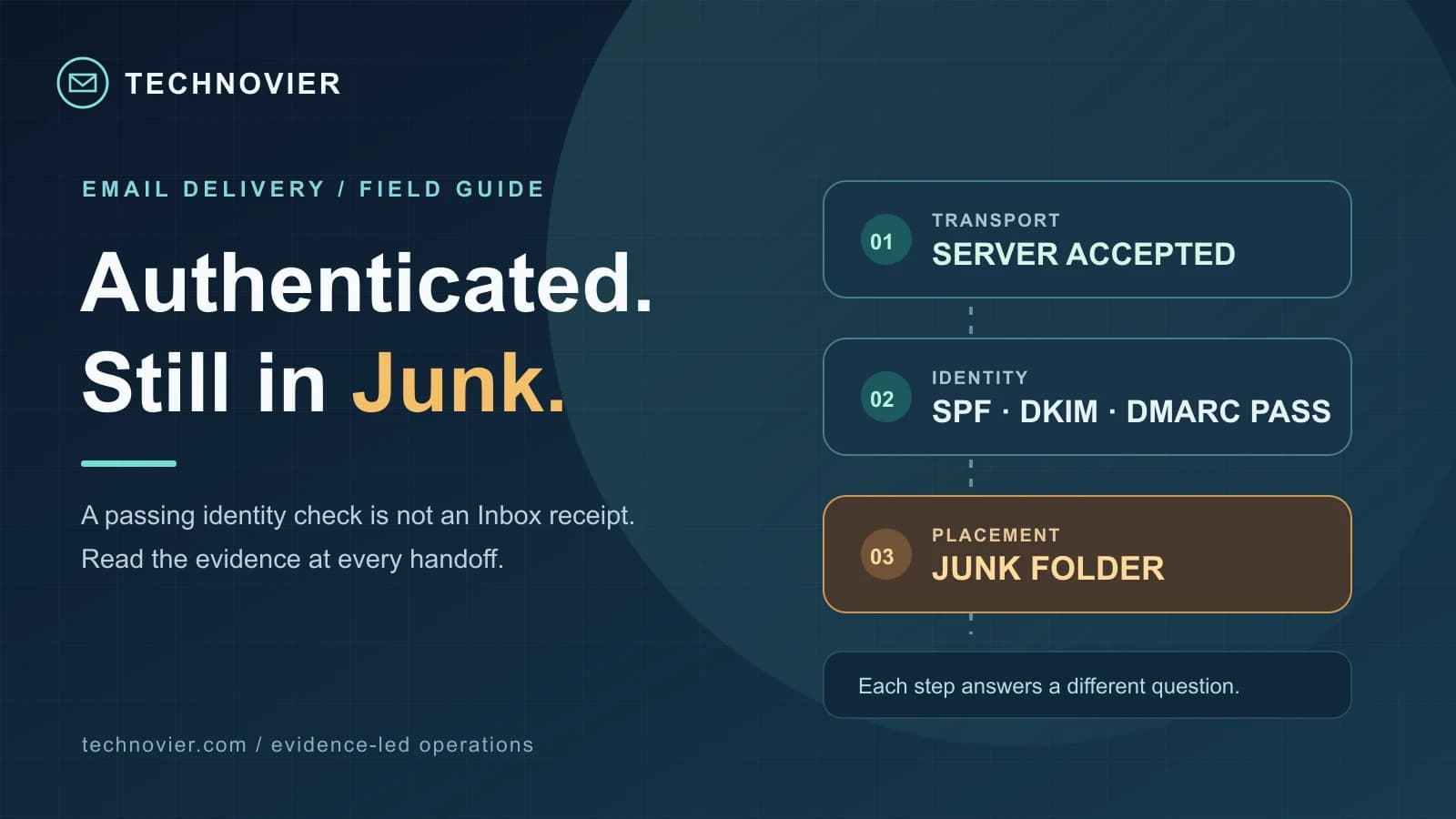
If an authenticated email goes to Junk, a passing SPF, DKIM, or DMARC result does not make the folder decision a contradiction. Those checks help the receiving system verify who sent a message and whether an aligned domain authorized it. They do not instruct that system to put every authenticated message in the Inbox. A sender-side 250 SMTP response is another distinct checkpoint: the next server accepted responsibility for the message, but that response alone does not identify the recipient's final folder.
When a team says “the email was delivered,” first ask which checkpoint it can prove. The answer determines whether to inspect sender configuration, transport records, recipient-side filtering, or all three. Google's sender guidelines describe authentication as reducing rejection and spam classification risk, while Microsoft's authentication guidance states plainly that authentication does not guarantee delivery to Microsoft mailboxes.
Three checkpoints, three kinds of evidence
| Checkpoint | Useful evidence | What it establishes | What it cannot establish |
|---|---|---|---|
| Server acceptance | A sender-side SMTP response or a provider's accepted submission receipt, tied to an exact attempt | That the named server accepted that attempt at that point in the route | The final folder, a human read, or the fate of a different attempt |
| Authentication | A received message's Authentication-Results and the domains used for SPF, DKIM, and DMARC alignment | How that receiving system evaluated this specific message | Inbox placement or reader attention |
| Recipient handling | Received headers, recipient folder observation, message trace, or quarantine record tied to the same message | What the recipient system recorded or where the message was observed | That all recipients or later sends had the same result |
Microsoft's message trace FAQ makes the distinction concrete: a trace can show Delivered even when anti-spam protection put the message in Junk or quarantine. Read the trace details and the recipient-side evidence before reporting an Inbox outcome.
What an anonymized review actually showed
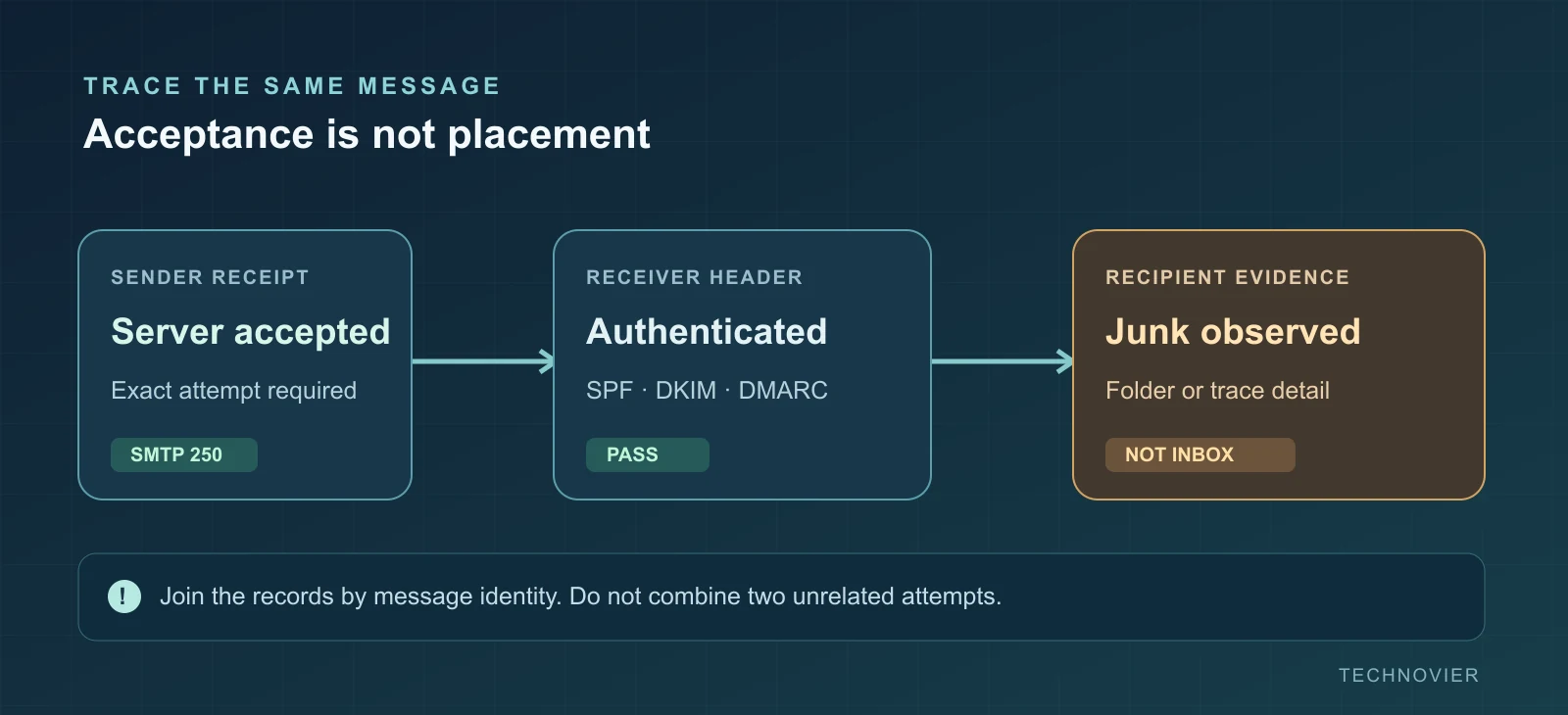
In a Technovier review, one control message's received evidence showed SPF, DKIM, DMARC, and Microsoft composite authentication passing. The same received evidence recorded a Junk disposition. That is enough to establish a narrow finding: an authenticated message reached Junk in that controlled observation. It does not identify the factor that caused the folder decision, or establish a domain-wide placement rate.
The review also contained an SMTP 250 acceptance receipt for a different message. Because the two records were not correlated to the same message, the acceptance receipt cannot be used to explain the control message's path. This may sound fussy, but mixing a sender receipt from one attempt with a recipient screenshot from another creates a confident story without a joined record.
The observed recipient evidence included a Microsoft spam-confidence signal and a Junk folder code. For a Microsoft 365 investigation, inspect the full filtering verdict and action; Microsoft cautions that the spam confidence level alone does not determine the cloud filtering outcome. No verified recovery or universal root cause emerged from this review.
Why a passing authentication result is only the start
SPF checks whether the connecting sender is authorized for the envelope sender domain. DKIM checks a cryptographic signature associated with a signing domain. DMARC checks whether a passing SPF or DKIM identity aligns with the visible From domain, according to that domain's policy. The received message's results matter more than a DNS checker showing that records exist: a message can travel through a different sender, relay, or signing path than the one assumed in a configuration screen. Microsoft's SPF, DKIM, and DMARC explanation describes these different identities and alignment checks.
Even after those tests pass, recipient filtering can evaluate other signals. Google's sender guidelines discuss sending practices, unwanted mail, reputation, and spam rates alongside authentication. In Microsoft 365, anti-spam troubleshooting guidance asks administrators to examine filtering headers, policies, rules, allow or block entries, and the action taken. None of those documents lets an outside observer infer the cause of a particular Junk decision without the relevant message evidence.
Treat likely explanations as hypotheses to test, not as findings:
| Hypothesis | Evidence that would move it forward | Common shortcut to avoid |
|---|---|---|
| Sending reputation or complaint history contributed | Provider-specific reputation or spam-rate data for the actual sending identity and period, plus a matched sample of affected messages | Calling “no complaints in our app” proof that no recipients complained |
| A recipient policy, rule, or user preference changed placement | Recipient-side trace, filtering headers, policy result, and folder observation for the same message | Assuming the sender controls every recipient's filtering policy |
| Content or message structure affected classification | Controlled tests that change one message property while holding sender, audience, and timing as steady as practical | Removing links or rewriting copy once, then claiming a proven cause |
| Volume or cadence changed abruptly | Dated send counts and provider feedback by route, aligned to the affected period | Treating a configured hourly cap as evidence of actual throughput |
| An intermediate relay altered authentication or handling | Received headers and route evidence for the affected message | Applying one route's authentication result to every route using the same From address |
This table is a way to choose the next measurement. It is not a recipe for bypassing a recipient's spam defenses. A sender should also review whether recipients expected the message and whether unsubscribe and complaint handling match the mail type; authentication cannot compensate for unwanted mail.
A controlled investigation that can be repeated
Start with a small, permissioned test to mailboxes your team controls. Preserve the real sending route you are investigating, and avoid changing domain records or switching providers in the middle of the comparison. For each attempt:
- Write down the claim. Is the question “Was this submitted?”, “Did the recipient server accept it?”, “Did Microsoft place it in Junk?”, or “Did it reach the Inbox”? Those require different evidence.
- Capture one attempt identity. Record the sender, provider route, recipient provider, date and time, and message identity in a private log. Keep these identifiers out of public screenshots and articles. Do not assume two messages with the same subject are one attempt.
- Keep the sender receipt. Save the provider submission result or SMTP response. If a timeout occurred after a possible submission, mark the result uncertain and reconcile it before sending again; a blind retry can create a duplicate.
- Inspect the received copy. Export the complete headers from the controlled recipient mailbox. Read
Authentication-Results, visible From, DKIM signing domain, envelope identity where available, and recipient filtering headers. Record the actual folder or quarantine observation separately. - Check the recipient trace where available. For Microsoft 365, view the message trace details and filtering action. A top-level Delivered label does not answer Inbox versus Junk. For Gmail, inspect the received message and, where volume supports it, review aggregate signals in Postmaster Tools; an aggregate dashboard is not a trace for one message.
- Change one variable at a time. If testing a content or cadence hypothesis, compare like messages through the same route and recipient provider. Retest with the original variant. A single Inbox result is evidence for that one attempt, not proof of durable recovery.
A compact private evidence record can have five columns: attempt ID, sender-side result, received authentication, recipient filtering action, and observed folder. Add the date and route so later reviewers can distinguish a current test from an old configuration. If recipient-side access is unavailable, leave placement unknown rather than filling the cell with “delivered.”
How to verify improvement without inventing a win
Before changing anything, define the sample and the outcome you will compare: the same recipient provider, a known route, a dated period, and a consistent definition of Inbox, Junk, quarantine, and unknown. After a proposed fix, repeat controlled sends and read back both the sender records and recipient observations. Check whether authentication still passes, whether the receiving server accepted each attempt, and where those exact messages appeared. If some attempts lack a receiver observation, report the coverage gap.
Reputation reports can help prioritize work, but their aggregate trends are not a receipt for a particular message. Google's Postmaster Tools documentation describes spam-rate and reputation signals and their limits. Conversely, a recipient clicking “Not spam” on one test does not establish that future messages will automatically reach all inboxes.
Keep placement distinct from engagement. An Inbox observation does not prove a person read the message. A tracked open does not prove it reached an Inbox, because privacy features and automated fetches can affect open data. Our guide to duplicate email-open events explains the measurement boundary. Teams building an email marketing program or a broader lead-to-revenue system need these labels to remain separate in their reports.
FAQ
Can SPF, DKIM, and DMARC all pass while email lands in Junk?
Yes. They authenticate identities and alignment for a received message. The recipient system can still classify and place that message using other signals or policies. Inspect the exact received message and filtering action.
Does SMTP 250 mean the recipient saw the email?
No. It means the responding server accepted responsibility for that SMTP transaction. It does not prove the recipient's final folder, a read, or a reply. Match the receipt to recipient-side evidence for the same attempt.
Why does Microsoft message trace say Delivered when the user found Junk?
Microsoft documents that Delivered can include mail sent to Junk or quarantine by anti-spam protection. Open the event details and compare them with the recipient observation.
Should we switch providers or raise volume to test recovery?
First establish the affected route and the exact evidence gap. Changing provider, sender, cadence, and content together makes the result difficult to interpret. A controlled, permissioned test with one changed variable is more useful.
What if we cannot obtain the recipient's headers or folder observation?
Report the sender-side state you can verify and label inbox placement unknown. Ask a consenting test recipient or their administrator for the relevant receiver evidence rather than presenting an accepted send as an Inbox success.